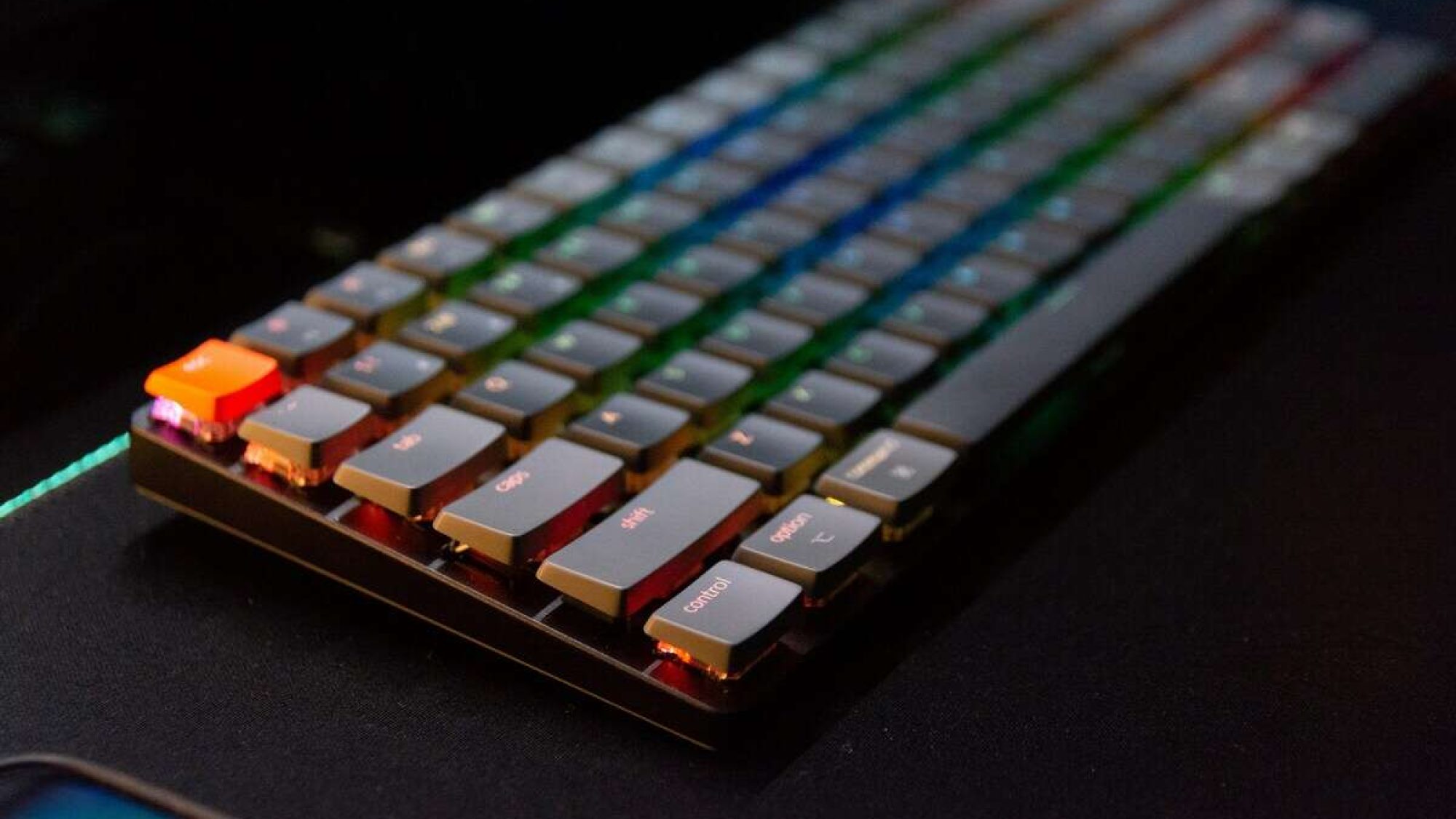
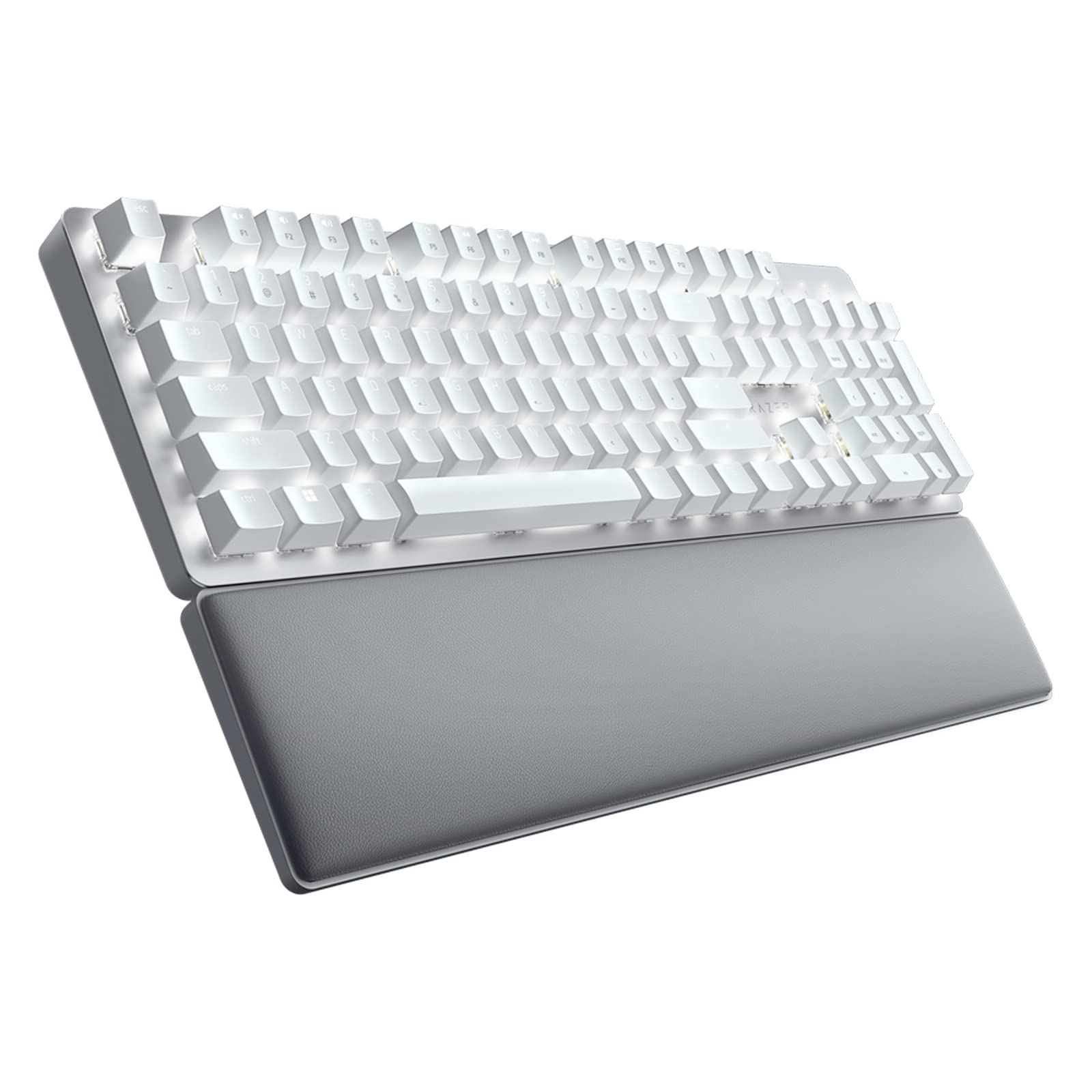
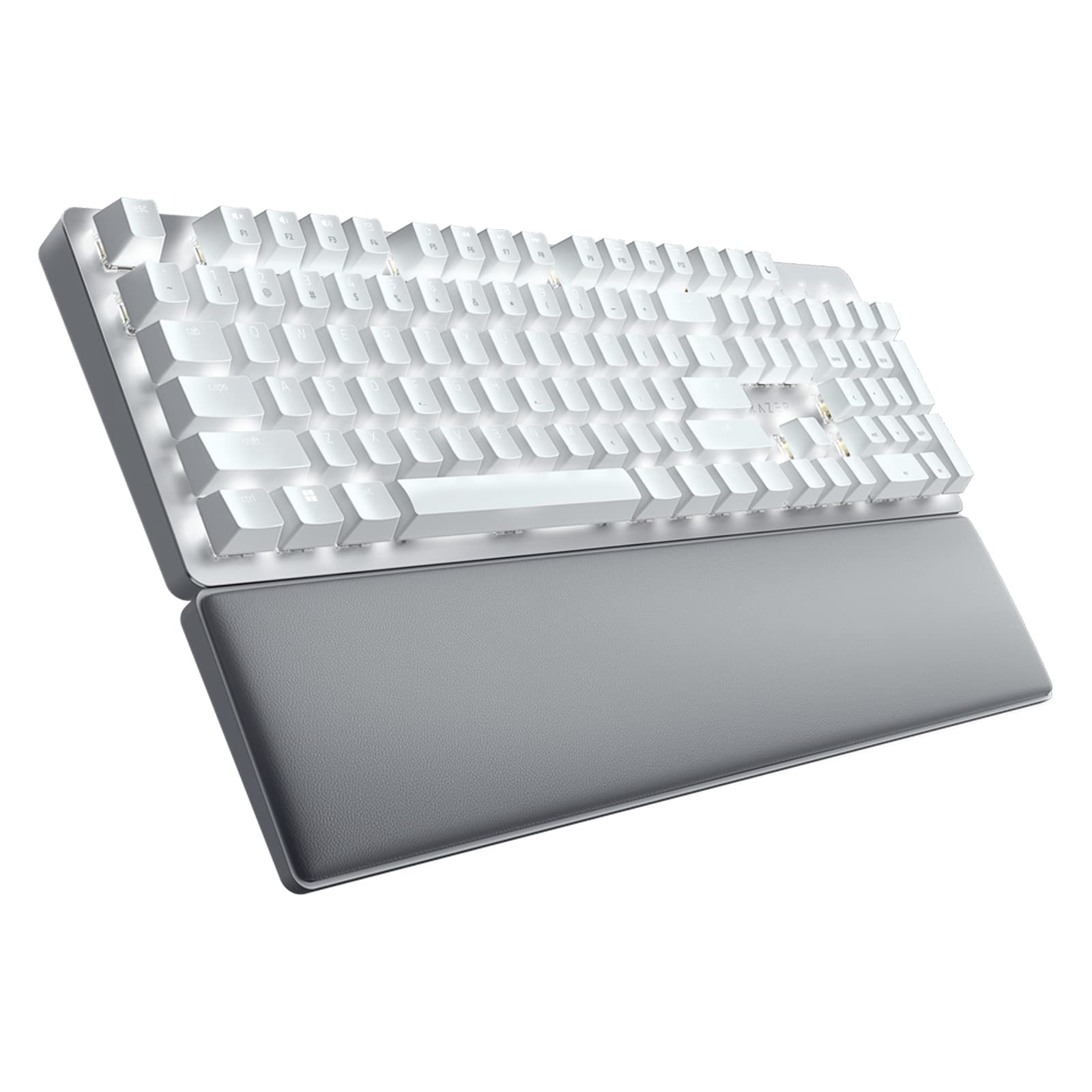
Razer Pro Type Ultra Wireless Mechanical Keyboard
The Razer Pro Type Ultra Wireless Mechanical Keyboard is a thoughtfully designed tool aimed at professionals and productivity enthusiasts who want a premium typing experience without the distractions of loud clicks and complicated gaming-centric features. Razer took their expertise in mechanical keyboards and adapted it for office-friendly use by equipping the Pro Type Ultra with their silent mechanical switches. This means you get all the satisfying tactile feedback without the typical noise of a mechanical keyboard, making it ideal for shared workspaces and calls.
Key Features:
- Wireless connectivity with Bluetooth and Razer HyperSpeed for ultra-low latency.
- Silent mechanical switches designed for quiet yet tactile typing.
- Dedicated media controls with an intuitive dial for volume and playback.
- Up to 200 hours of battery life on a single charge.
- Sleek, minimalist design blending professional aesthetics with Razer’s signature build quality.
Pros:
- Quiet yet tactile mechanical switches ideal for office environments.
- Multiple wireless connectivity options and easy device switching.
- Long battery life minimizes downtime.
- Dedicated media dial enhances productivity.
- Stylish, minimalist design that fits professional settings.
Cons:
- Premium price point may be a barrier for casual users.
- No customizable RGB lighting, which some may miss from other Razer products.
- Slightly heavier than typical wireless keyboards, affecting portability.
- Lacks programmable macro keys for advanced customization.
View Product
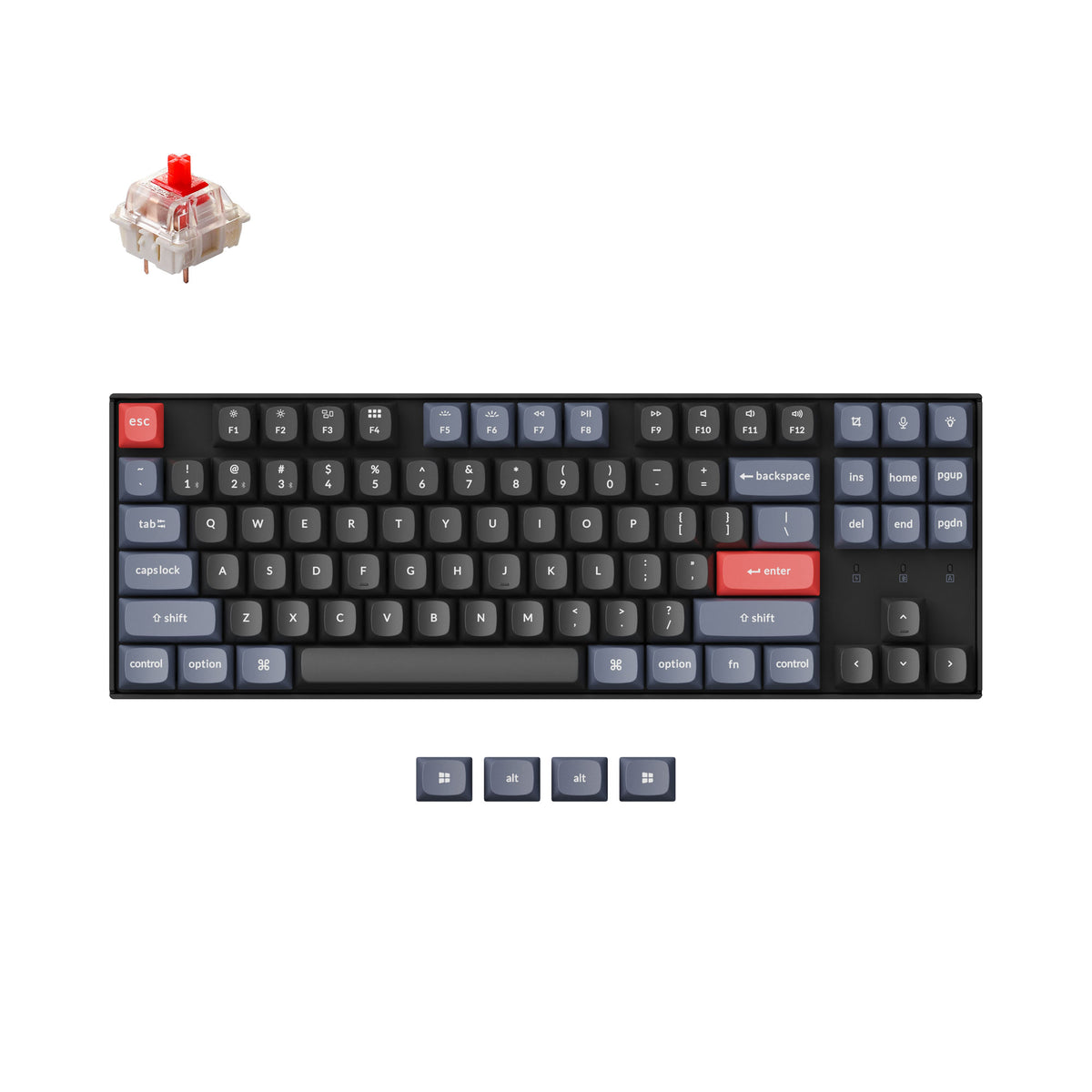
Keychron K8 Pro QMK/VIA Wireless Mechanical Keyboard
The Keychron K8 Pro is a premium wireless mechanical keyboard designed for enthusiasts who value both productivity and customization. It boasts a solid build and flexible compatibility with the popular QMK and VIA firmware, allowing users to fully remap keys and program macros with ease. This makes the K8 Pro an ideal choice for gamers, programmers, and typists who want their keyboard to suit their exact workflows.
Key Features:
- Hot-swappable mechanical switches supporting easy customization without soldering
- Compatible with QMK and VIA firmware for advanced key remapping and programming
- Wireless Bluetooth 5.1 connectivity with multi-device pairing for up to 3 devices
- Compact tenkeyless (TKL) layout saving desk space while retaining essential keys
- RGB backlighting with multiple effects and adjustable brightness for enhanced aesthetics
Pros:
- Hot-swappable switches allow easy switch customization without soldering
- QMK and VIA support offer powerful firmware customization options
- Wireless Bluetooth 5.1 with multi-device pairing enhances connectivity flexibility
- Compact tenkeyless design saves space while retaining essential keys
- Vibrant RGB backlighting with multiple effects boosts aesthetics
Cons:
- Tenkeyless form factor may be limiting for users who rely heavily on numpad
- Slightly higher price point compared to non-QMK Keychron models
- No dedicated media controls, requiring function layer combinations
- Software customization might overwhelm beginners not familiar with QMK/VIA
- Battery life could be shorter when using full RGB lighting on wireless mode
View Product
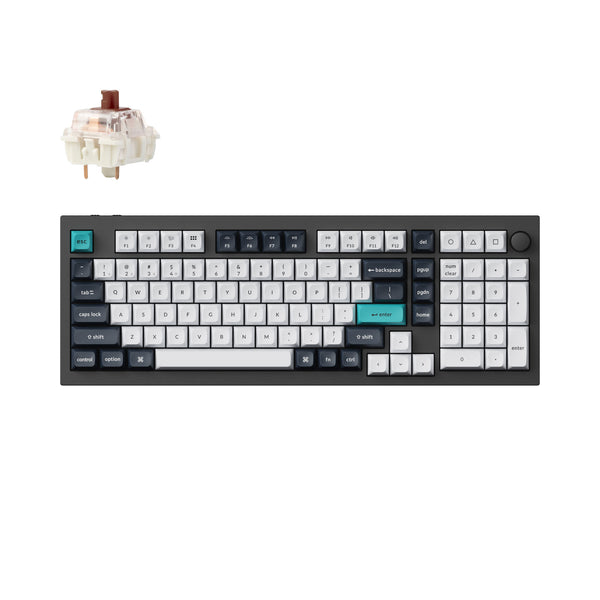
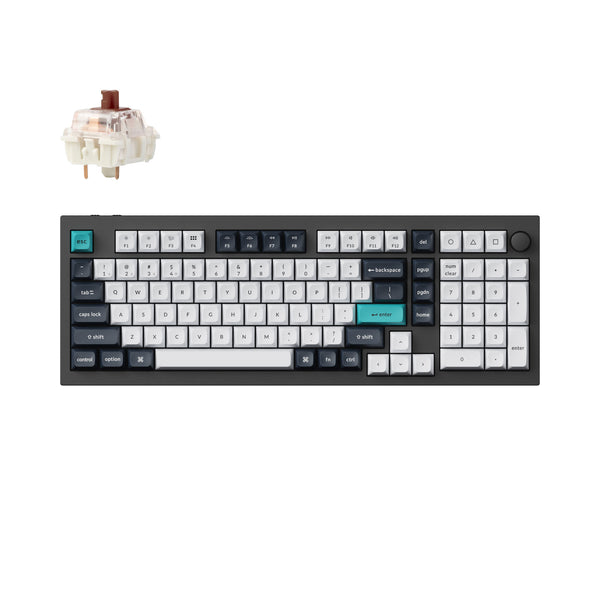
Keychron Q5 Max QMK/VIA Wireless Custom Mechanical Keyboard
The Keychron Q5 Max stands out as a top-tier custom mechanical keyboard that caters to enthusiasts and professionals alike who crave full control over their typing experience. Loaded with QMK and VIA firmware support, it allows users to completely customize key functionality, lighting, and macros, making it ideal for programmers, gamers, and keyboard hobbyists who demand precision and personalization. This level of customization is usually reserved for enthusiast boards, and Keychron delivers it in a package that’s both accessible and feature-rich.
Key Features:
- Fully customizable QMK/VIA firmware support for personalized key mapping and macros
- Wireless Bluetooth 5.1 connectivity alongside a wired USB-C option for versatile use
- Premium mechanical switches compatible with various switch types including hot-swappable options
- Robust aluminum frame with gasket-mounted design ensuring a solid yet comfortable typing experience
- High-profile 75% layout combining compactness with essential navigation and function keys
Pros:
- Extensive firmware customization via QMK and VIA to tailor keyboard functions and macros
- Dual-mode connectivity with Bluetooth 5.1 and USB-C provides versatile use cases
- High-quality aluminum frame with gasket-mounted design ensures durability and excellent typing comfort
- Hot-swappable switch sockets allow easy switch upgrades or replacements without soldering
- Compact high-profile 75% layout retains essential keys while saving desk space
Cons:
- Premium features come with a higher price point compared to standard mechanical keyboards
- Bluetooth latency may be noticeable in fast-paced gaming or timing-critical tasks
- Learning curve for QMK/VIA customization might be steep for beginners unfamiliar with firmware tweaks
- Keycaps are standard profile and may not satisfy users seeking sculpted or ergonomic shapes
- Absence of dedicated macro keys may limit some users who prefer one-touch macro access
View Product
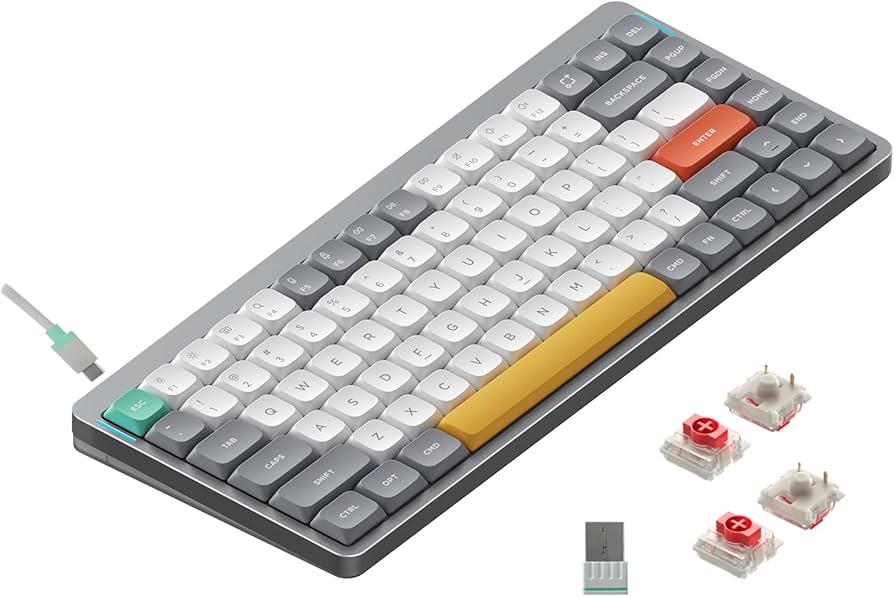
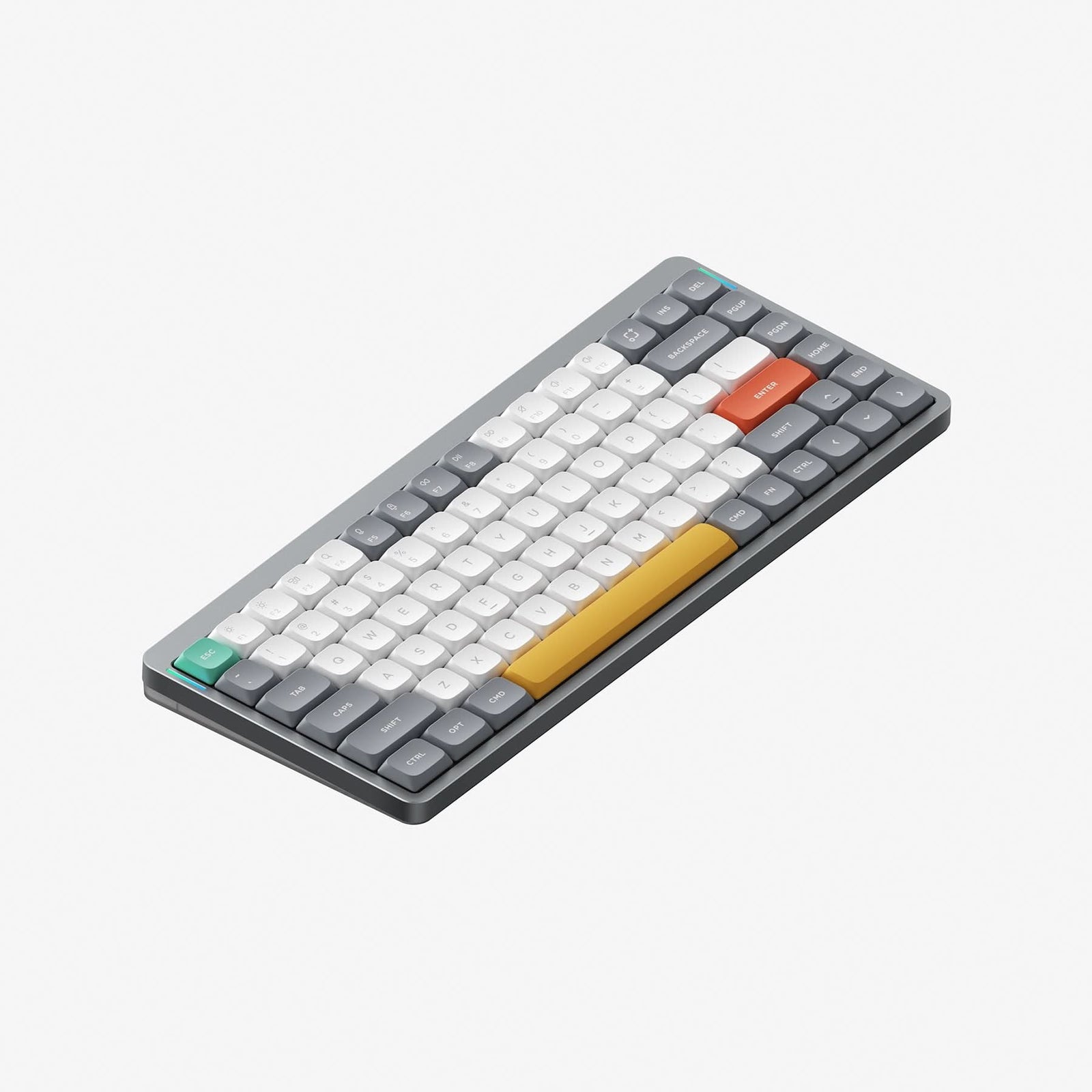
NuPhy Air75 V2 QMK/VIA Wireless Mechanical Keyboard
The NuPhy Air75 V2 is a sleek and feature-rich wireless mechanical keyboard designed for enthusiasts who want a compact form factor without compromising functionality. Its 75% layout offers a great balance between saving desk space and retaining essential keys like dedicated arrows and a full function row, making it ideal for both productivity and gaming. Unlike typical compact keyboards that require function key combos for arrow navigation, the Air75 V2 keeps them accessible, which is a huge plus for programmers and writers alike.
Key Features:
- 75% compact layout with dedicated arrow keys and function row
- Hot-swappable mechanical switches compatible with linear, tactile, and clicky options
- Wireless connectivity via Bluetooth 5.0 and 2.4GHz dongle for versatile pairing
- Full QMK/VIA firmware support allowing custom key remapping and macros
- Premium build with anodized aluminum frame and RGB backlighting
Pros:
- Compact design with full functionality including arrow keys and function row
- Hot-swappable switches give immense customization freedom
- Versatile wireless and wired connectivity options
- Fully programmable via QMK/VIA for custom layouts and macros
- Solid aluminum build with attractive RGB lighting
Cons:
- Wireless mode can occasionally exhibit slight latency compared to wired
- Higher price point than typical entry-level mechanical keyboards
- No dedicated media control keys; requires function layer access
- Battery life varies depending on RGB lighting usage
- Some users may find the 75% layout adjustment period challenging if coming from full-sized keyboards
View Product
Razer Pro Type Ultra Wireless Mechanical Keyboard
The Razer Pro Type Ultra Wireless Mechanical Keyboard is crafted to meet the demands of professionals who appreciate premium build quality fused with cutting-edge technology. Featuring Razer’s proprietary orange mechanical switches, it strikes a perfect balance between satisfying tactile feedback and quiet operation. This makes it as suitable for office environments as it is for late-night gaming sessions. Its slim, aluminum design adds a touch of sophistication to any desk setup.
Key Features:
- Wireless connectivity with both Bluetooth and Razer HyperSpeed Wireless options for versatile device pairing.
- Razer's custom orange mechanical switches designed for quiet, tactile feedback ideal for office and gaming use.
- Sleek, durable aluminum top plate construction combining elegance with long-lasting build quality.
- Multi-device functionality allowing seamless switching between up to 4 connected devices.
- Long battery life offering up to 42 hours of continuous use on a single charge with RGB lighting off.
Pros:
- Quiet yet tactile mechanical switches suitable for both typing and gaming
- Versatile wireless connectivity options with easy device switching
- Elegant aluminum build that looks great in professional settings
- Long battery life that minimizes charging interruptions
- Multi-device support ideal for productivity across several gadgets
Cons:
- Premium price point might not fit all budgets
- No dedicated numpad, which may be a downside for some users
- Slightly heavier than typical wireless keyboards due to metal construction
- Limited software customization compared to other Razer gaming keyboards
- RGB lighting options are somewhat muted, which may disappoint enthusiasts
View Product
NuPhy Air75 V2
The NuPhy Air75 V2 is a beautifully designed compact mechanical keyboard that strikes a fine balance between functionality and portability. With its 75% layout, this keyboard removes the numeric keypad but keeps all the essential keys you'll need day-to-day, making it perfect for users who want a desk space saver without losing crucial navigation and function keys. Its compact frame also lends itself well to setups that require mobility or limited workspace, making it a great companion for both home and office environments.
Key Features:
- Compact 75% layout ideal for saving desk space without sacrificing functionality
- Hot-swappable mechanical switches for easy customization and maintenance
- High-quality PBT keycaps with dye-sublimation for durability and a premium typing feel
- Wireless Bluetooth 5.1 connectivity with multi-device pairing and USB-C wired option
- RGB backlighting with customizable lighting effects through software
Pros:
- Hot-swappable switches make customization quick and tool-free
- Durable and premium PBT keycaps provide long-lasting key legibility and texture
- Bluetooth 5.1 with multi-device support delivers flexible wireless connectivity
- Compact 75% layout is space-efficient yet functional enough for most tasks
- Customizable RGB lighting adds aesthetic appeal and practical visibility in low light
Cons:
- Lacks dedicated macro keys, which may be a downside for some gamers or power users
- No built-in wrist rest, which could be less comfortable during extended typing sessions
- Some users may find the 75% layout requires an adjustment period coming from full-sized keyboards
- Software for lighting and remapping might feel limited compared to more advanced competitors
- Wireless mode can introduce minimal latency not ideal for high-speed gaming scenarios
View Product
Keychron Q5 Max
The Keychron Q5 Max is a dream keyboard for enthusiasts who crave both customization and premium build quality. Its 75% layout strikes a perfect balance between compactness and functionality, making it ideal for both workstations and gaming setups. Unlike many keyboards that limit your ability to modify switches, the Q5 Max features hot-swappable PCBs, meaning you can easily customize and upgrade your typing experience without soldering.
Key Features:
- Fully customizable 75% layout with hot-swappable PCBs
- Premium QMK/VIA programmable support for extensive key remapping
- High-quality aluminum CNC-machined case with an anodized finish
- Ultra-smooth MX-style mechanical switches for tactile, responsive typing
- USB-C wired connection ensuring stable and fast data transfer
Pros:
- Fully hot-swappable switches for easy customization
- Robust aluminum build with premium finish
- Highly customizable via QMK/VIA firmware
- Compact 75% layout saves desk space without losing functionality
- Reliable and stable USB-C wired connectivity
Cons:
- Heavier than typical plastic keyboards, affecting portability
- No wireless option – strictly wired connection only
- Premium price point may be steep for casual users
- Learning curve involved in mastering QMK/VIA programming
- Keycap set may require upgrading for enhanced aesthetics or feel
View Product