Razer BlackWidow V4 Pro
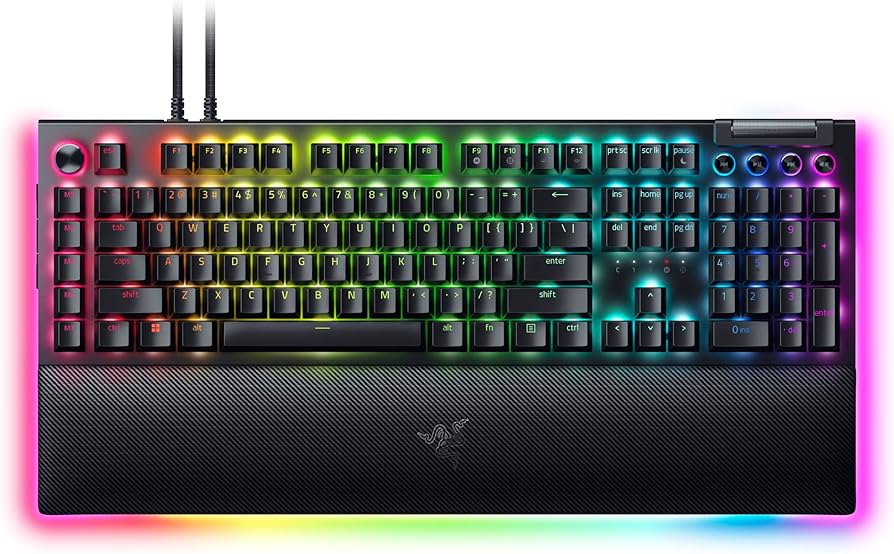
The Razer BlackWidow V4 Pro is a high-end mechanical gaming keyboard designed to deliver top-tier performance, comfort, and customization to gamers and enthusiasts alike. It builds on Razer’s legacy of producing some of the best mechanical keyboards by incorporating their latest optical switch technology, which promises faster response times and greater durability compared to traditional mechanical switches. This makes it a solid choice for both competitive gaming and extensive typing sessions.
Key Features:- Mechanical optical switches with ultra-fast actuation
- Fully programmable keys with on-the-fly macro recording
- Dedicated media controls with an oversized volume wheel
- Customizable RGB Chroma lighting with per-key effects
- Magnetic detachable wrist rest for ergonomic comfort
Pros:- Lightning-fast optical mechanical switches enhance response time
- Robust build quality with aluminum top plate and premium materials
- Dedicated multimedia controls with large volume wheel for convenience
- Extensive customization options with programmable keys and RGB lighting
- Comfortable magnetic wrist rest improves ergonomics during long use
Cons:- Premium pricing may be a barrier for budget-conscious buyers
- Larger size might not fit smaller desk spaces comfortably
- Software customization requires installation and can be complex for beginners
- Some users may prefer traditional mechanical switches over optical types
- Lacks a detachable cable, which limits portability options
View Product
Corsair K70 RGB PRO
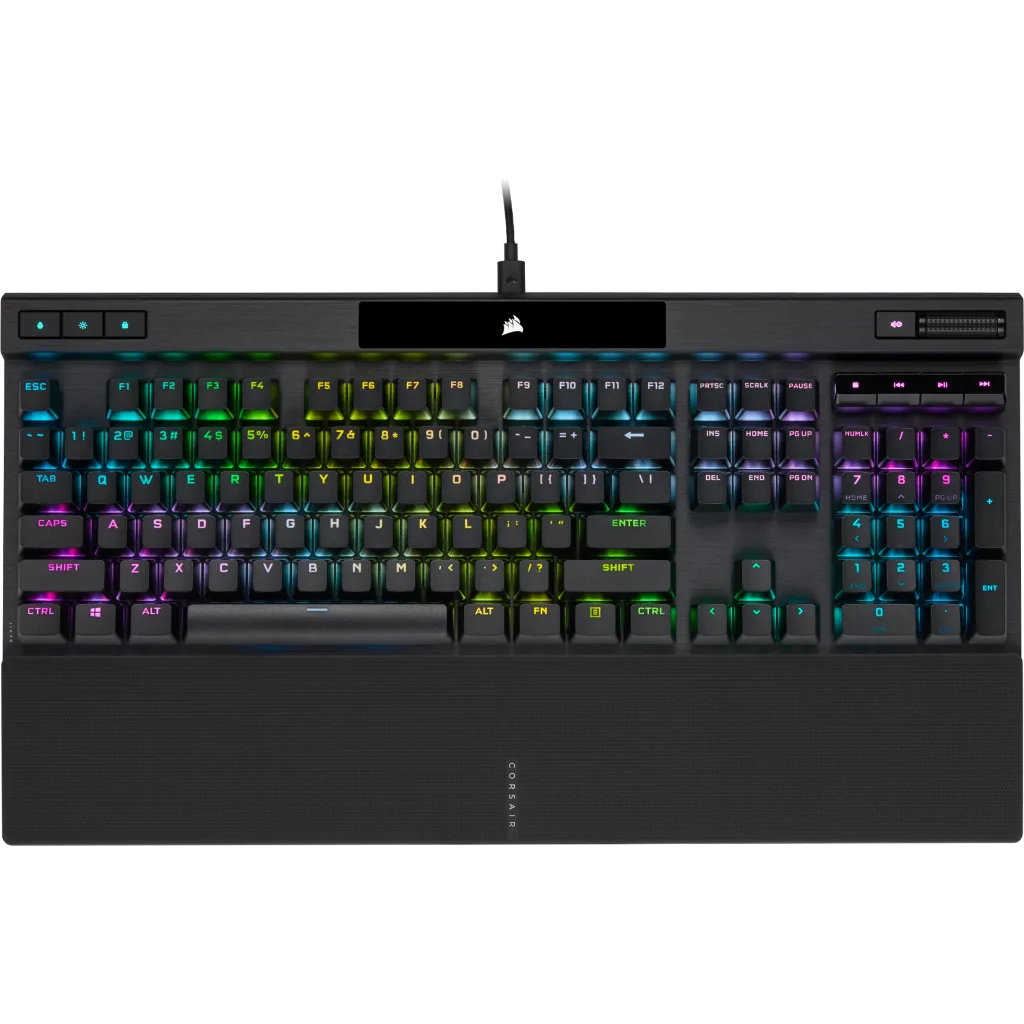
The Corsair K70 RGB PRO is a premium mechanical gaming keyboard designed to meet the demanding needs of gamers and typing enthusiasts alike. It builds upon Corsair’s legacy of delivering high-quality peripherals by incorporating top-tier components and user-friendly features. The keyboard’s foundation is its dependable Cherry MX mechanical switches, which provide tactile feedback and lightning-fast response times to help you perform at your best in intense gaming sessions or prolonged typing tasks.
Key Features:- Cherry MX mechanical key switches for precise and responsive typing
- Dynamic per-key RGB backlighting with Corsair iCUE software customization
- Durable aircraft-grade anodized brushed aluminum frame for sturdiness
- Detachable USB Type-C cable for easy transport and setup
- Dedicated media controls and a multidirectional volume wheel for convenience
Pros:- Highly responsive and reliable Cherry MX switches suited for gaming and typing
- Rich RGB lighting customization with per-key options and software integration
- Sturdy aluminum frame ensures long-lasting build and premium feel
- Detachable USB Type-C cable enhances portability and ease of setup
- Convenient dedicated media keys and multi-directional volume wheel
Cons:- Premium price point may be a barrier for budget-conscious buyers
- Some users might find the keyboard a bit on the heavy side for portability
- iCUE software can have a learning curve for beginners wanting to customize lighting
- Lacks wrist rest, which some gamers may prefer for extended typing comfort
- No wireless functionality; requires USB connection at all times
View Product
Corsair K70 PRO TKL
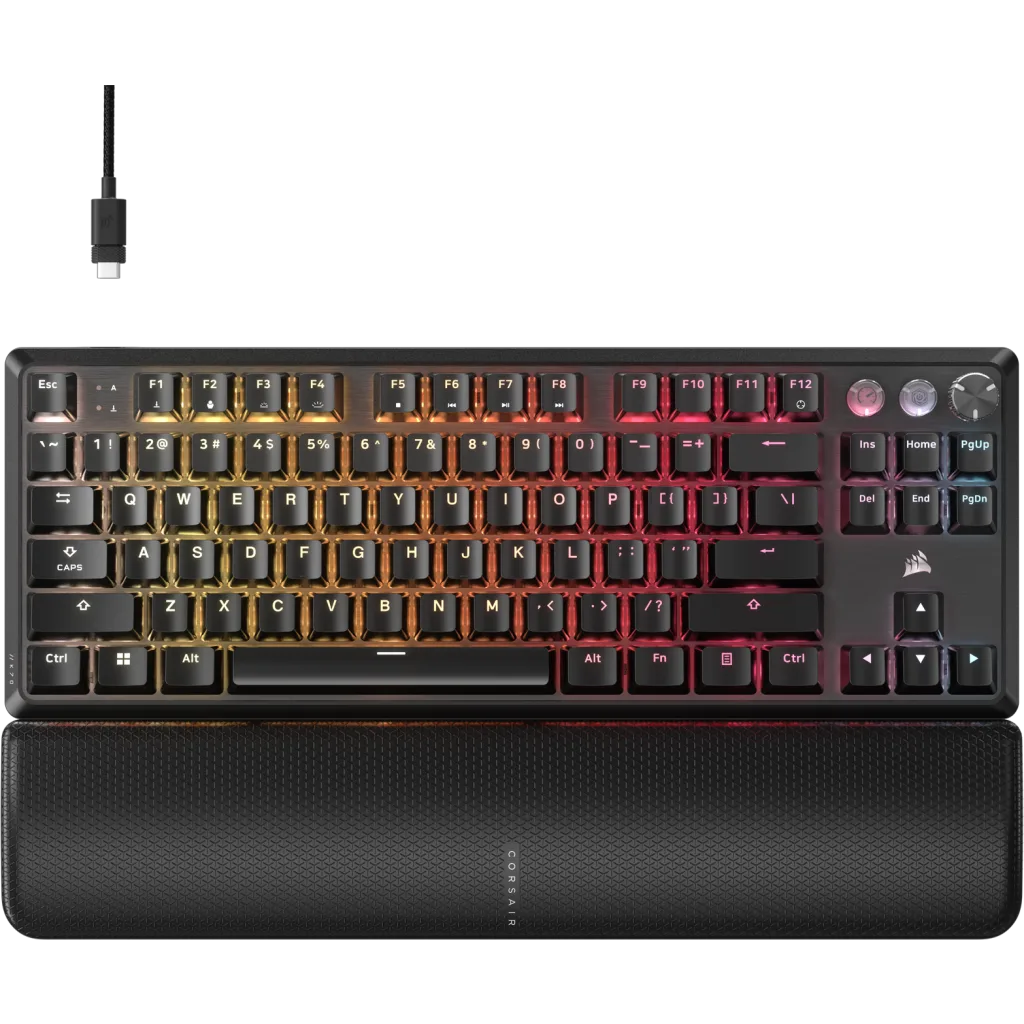
The Corsair K70 PRO TKL is a standout mechanical keyboard that strikes an excellent balance between performance and space-saving design. By foregoing the traditional number pad, it proudly offers a more compact footprint that appeals to gamers and professionals who want more desk space without compromising on key quality or functionality. Its tenkeyless layout is ideal for those who prefer a minimalist aesthetic or require more mouse movement during intense gaming sessions.
Key Features:- Tenkeyless design for a more compact and ergonomic setup
- Cherry MX mechanical switches offering precise and responsive keystrokes
- Aircraft-grade anodized brushed aluminum frame for durability and premium feel
- Dynamic per-key RGB backlighting with extensive customization options
- Detachable USB Type-C cable for convenience and portability
Pros:- Compact tenkeyless design provides more room for mouse movement and a cleaner desk setup
- High-quality Cherry MX switches deliver consistent and reliable performance
- Durable aluminum frame that resists flex and scratches
- Extensive RGB customization to personalize lighting effects per key
- Detachable USB Type-C cable simplifies transport and protects cable longevity
Cons:- Lack of dedicated media controls may inconvenience users accustomed to quick access buttons
- Smaller layout might present a learning curve for users heavily reliant on the numeric keypad
- Premium pricing can be a barrier for budget-conscious buyers
- No onboard storage for lighting profiles, requiring software to apply customizations
- Some users might prefer a wrist rest, which is not included with this model
View Product
ASUS ROG Azoth X
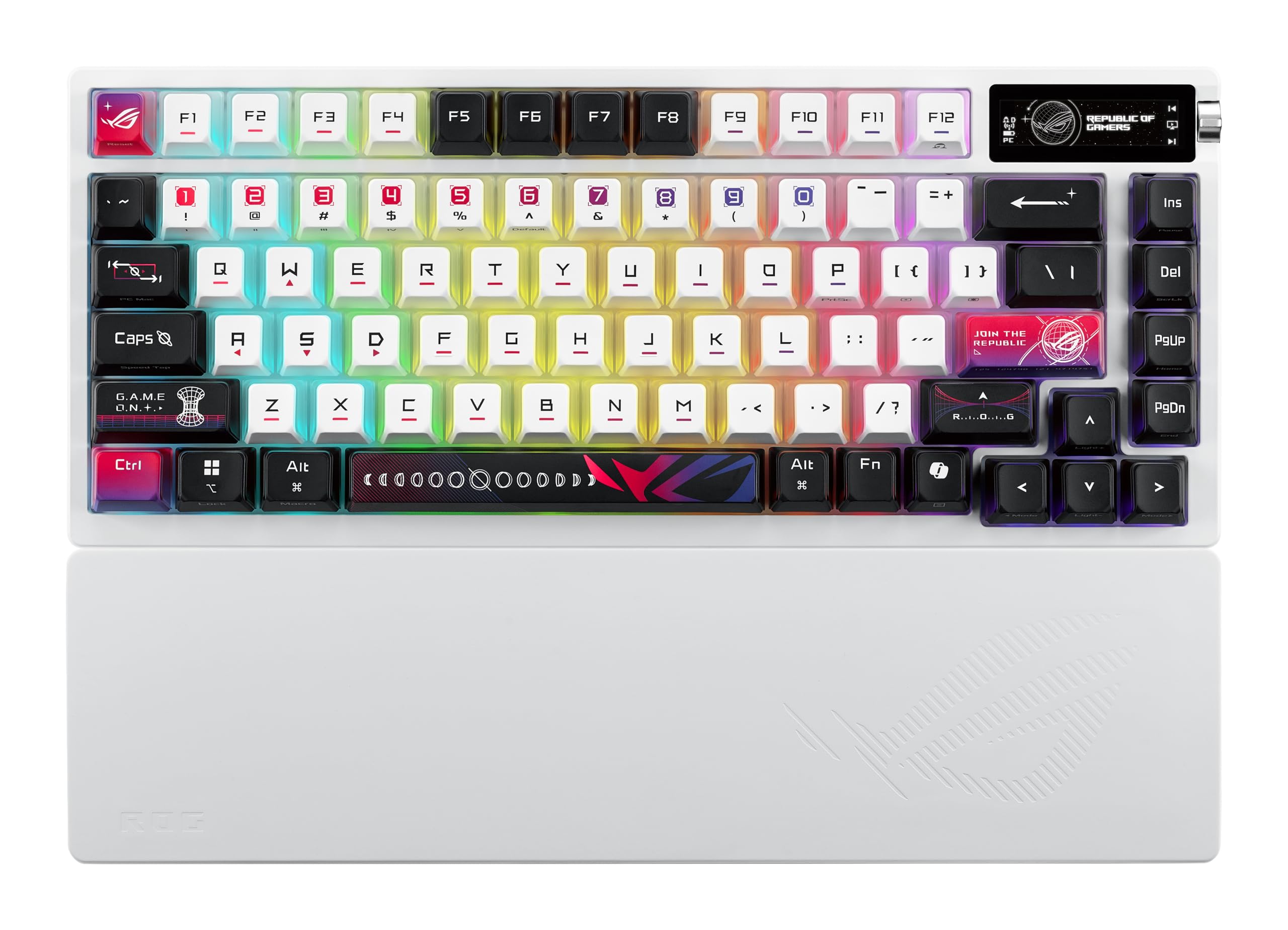
The ASUS ROG Azoth X is a mechanical gaming keyboard tailored for gamers who want a blend of portability, customization, and performance. Sporting a compact 75% layout, it strikes the ideal balance between having all the essential keys—including dedicated arrow and function keys—and saving desk space. This makes it an excellent choice for both desktop setups and gaming on the go.
Key Features:- High-performance mechanical switches designed by ROG for ultra-fast response
- Compact 75% layout featuring dedicated arrow keys and function row
- Customizable RGB lighting with Aura Sync compatibility
- Detachable USB-C cable for easy portability and durability
- Onboard storage for macros and profile customization
Pros:- Responsive ROG mechanical switches engineered for gaming accuracy
- Space-saving 75% layout with essential keys included
- Vibrant, customizable RGB lighting with Aura Sync support
- Durable, detachable USB-C cable enhances portability
- Onboard memory for macros and multiple user profiles
Cons:- Smaller form factor may take time to get used to for users accustomed to full-size keyboards
- No dedicated numeric keypad, which might be an issue for users needing number input
- Premium price point compared to standard mechanical keyboards
- Lack of wrist rest might affect comfort during prolonged sessions
- Software for customization can be overwhelming for beginners
View Product
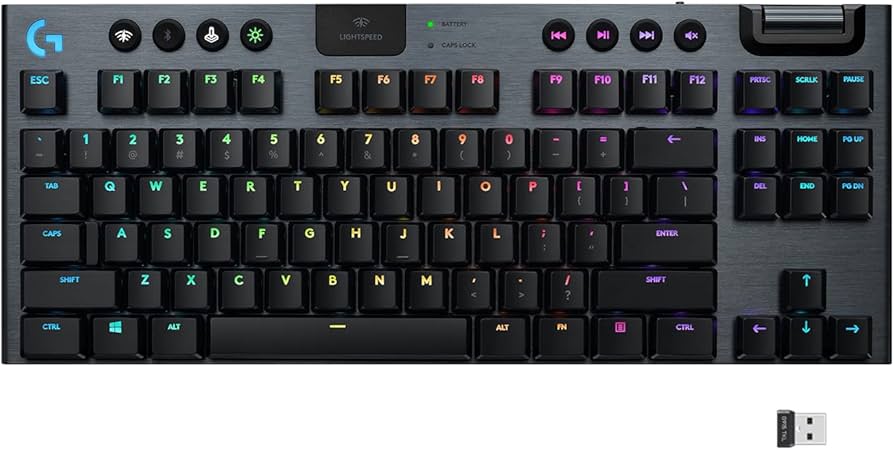
Logitech G915 LIGHTSPEED
The Logitech G915 LIGHTSPEED is a premium wireless mechanical gaming keyboard designed for serious gamers who demand high performance with a sleek aesthetic. Its ultra-thin profile stands out from traditional bulky keyboards, thanks to Logitech’s low-profile mechanical switches, which combine the tactile feedback of mechanical keys with a slim and elegant design. The keyboard feels exceptionally responsive, making it ideal for fast-paced games or intense typing sessions.
Key Features:- Ultra-thin mechanical switches with low-profile design
- LIGHTSPEED wireless technology for lag-free gaming
- RGB lighting with customizable LIGHTSYNC effects
- Long battery life with up to 40 hours of continuous use
- Dedicated media controls and programmable G-keys
Pros:- Extremely responsive and fast low-profile mechanical switches
- Reliable, lag-free LIGHTSPEED wireless connection
- Stunning customizable RGB lighting with LIGHTSYNC
- Long-lasting battery life suitable for extended use
- Stylish, durable build with dedicated media and macro keys
Cons:- Premium price point may be a barrier for some users
- Low-profile keys might have a learning curve for traditional mechanical keyboard users
- Lacks a numeric keypad, which might be a dealbreaker for some
- Bluetooth mode can introduce slight latency compared to LIGHTSPEED wireless
- Software customization may be complex for beginners
View Product
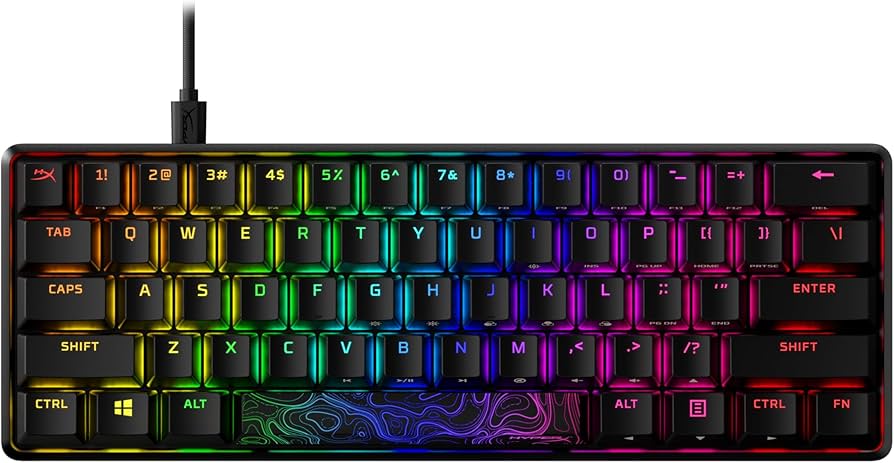
HyperX Alloy Origins 60
The HyperX Alloy Origins 60 is a standout compact mechanical keyboard designed for gamers and professionals who crave performance without the bloat. With a sleek 60% layout, this keyboard sheds the number pad and function row to focus on essential keys, making it perfect for minimalist setups or those who travel frequently. Despite its smaller footprint, HyperX hasn’t compromised on durability or responsiveness.
Key Features:- Compact 60% mechanical keyboard layout ideal for small desks and travel
- Durable aluminum chassis designed for stability and premium feel
- HyperX mechanical switches offering 80 million keystrokes lifespan
- Per-key RGB backlighting with customizable lighting effects through software
- USB-C connectivity with detachable cable for easy portability
Pros:- High build quality with solid aluminum frame enhances durability
- Compact design saves desk space and improves portability
- Responsive HyperX mechanical switches suited for gaming and typing
- Fully customizable per-key RGB lighting for a personalized experience
- Detachable USB-C cable offers convenience for on-the-go users
Cons:- Lacks dedicated function row and arrow keys may require getting used to
- No wireless connectivity options, limiting cable-free use
- Smaller size can be less comfortable for users who prefer full-sized keyboards
- Customization software might be complex for beginners
- Pricing is on the higher end for a 60% keyboard segment
View Product
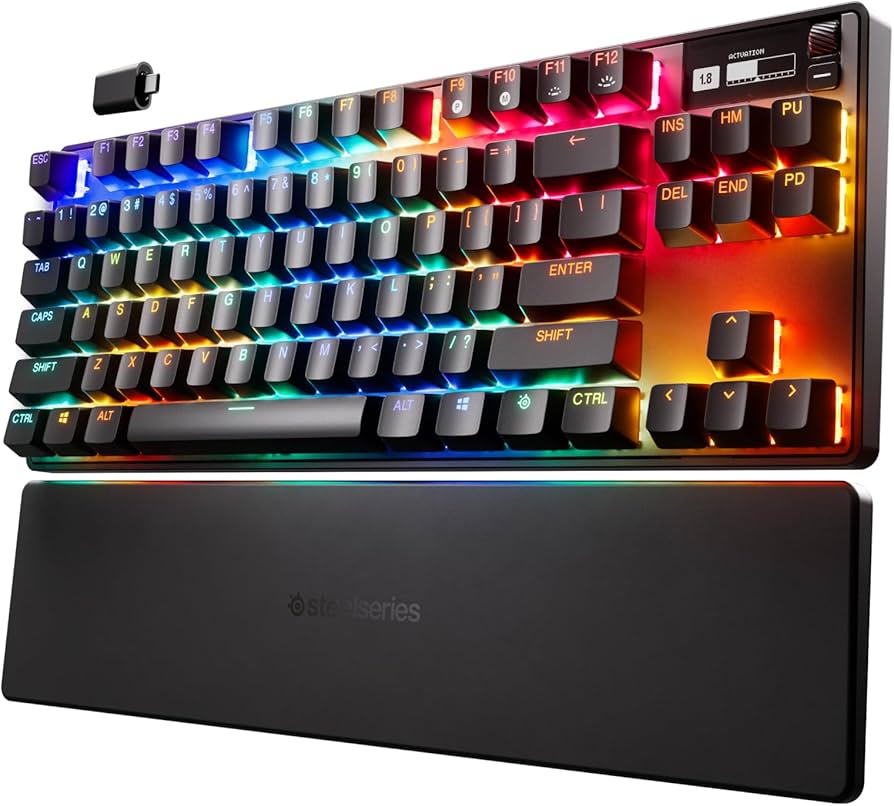
SteelSeries Apex Pro TKL
The SteelSeries Apex Pro TKL is a standout mechanical gaming keyboard tailored for gamers who crave a compact yet high-performance peripheral. With its tenkeyless design, it effectively cuts down on desk clutter without sacrificing quality or key functionality—making it an excellent choice for those with limited space or anyone who prefers a minimalist setup.
Key Features:- Adjustable mechanical switches with customizable actuation points
- Tenkeyless design for a compact, space-saving build
- Durable aircraft-grade aluminum frame for long-lasting use
- RGB per-key illumination with extensive customization options
- OLED smart display for convenient access to game stats and settings
Pros:- Highly customizable adjustable switches enhance user experience
- Compact tenkeyless layout saves desk space
- Sturdy, premium build quality with aluminum frame
- Vibrant RGB lighting with extensive customization options
- Useful OLED smart display for real-time info without distractions
Cons:- Pricier than many other tenkeyless keyboards
- OLED functionality may be underutilized by casual users
- No dedicated media controls, which can be inconvenient
- Keycap legends might wear down with heavy use over time
- Some users may find the learning curve steep for switch customization
View Product